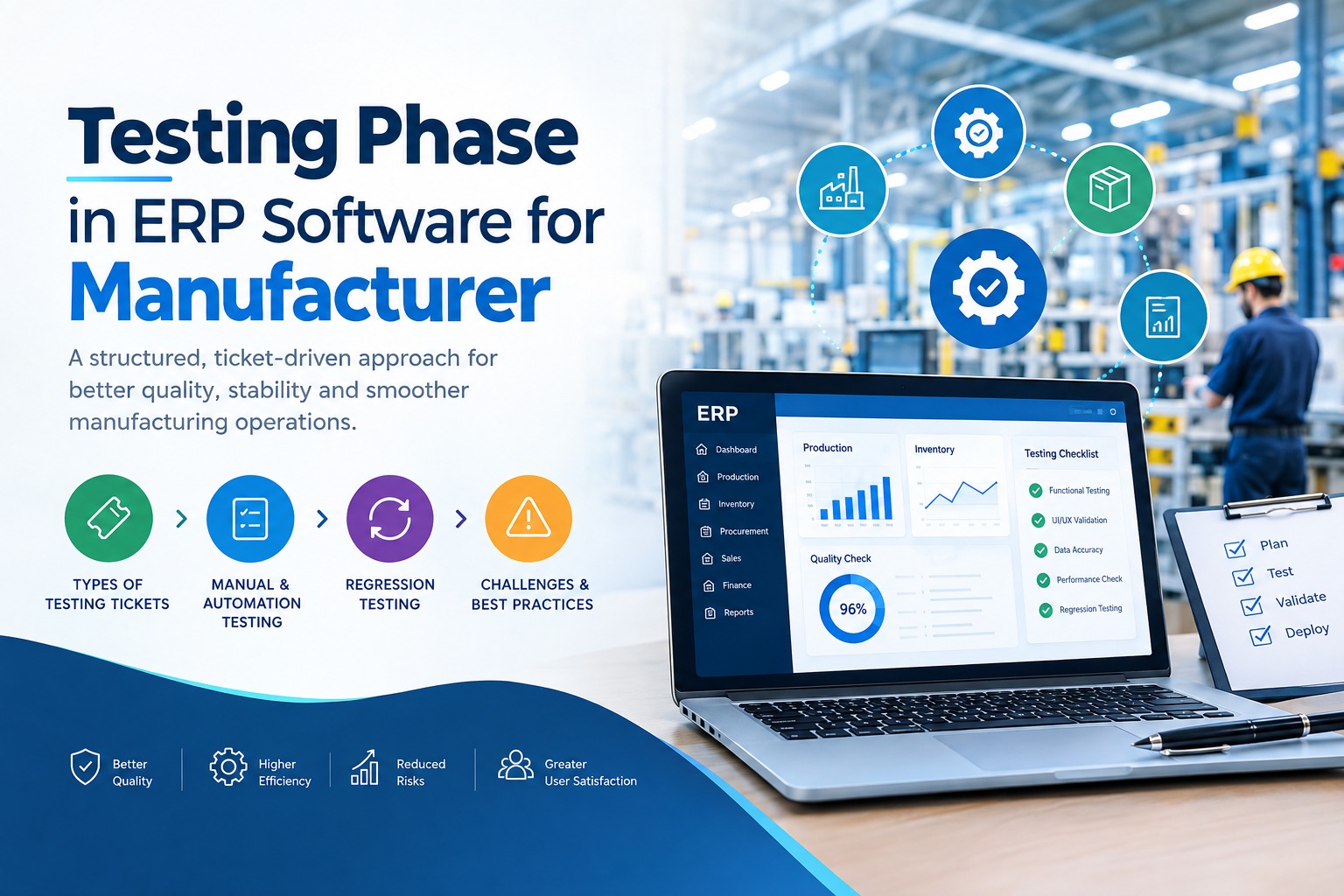
Ticket Classification in Testing
Ticket Classification in Testing
Every testing activity is initiated and tracked through tickets. To ensure clarity and proper handling, tickets are categorized as follows:
1. New Requirement (New Req)
These tickets represent completely new features or functionalities introduced into the system. Testing these requires:
- Understanding new business logic
- Creating new test scenarios and test cases
- Validating end-to-end functionality
- Ensuring integration with existing modules
2. Customization
Customization tickets involve modifications to existing features based on specific client requirements. These require:
- Careful analysis of changes
- Impact assessment on current workflows
- Validation of modified functionality
- Regression testing to ensure existing features are not affected
3. New Report
New report tickets focus on generating new reports within the system. Testing includes:
- Verifying data accuracy
- Checking field alignment and formatting
- Validating filters and parameters
- Ensuring correct export formats (PDF, Excel, etc.)
4. Customization in Report
These tickets involve modifications to existing reports. Testing includes:
- VRechecking calculations and totals
- Comparing the expected and actual report structure
- Validating newly added or removed fields
- Ensuring proper layout and readability
Ticket Lifecycle in Testing
Each ticket passes through a defined workflow to maintain transparency and control:
Development → Under QA → QA Completed → Ready for Deployment/Hosted
This lifecycle ensures:
- Clear ownership at each stage
- Proper validation before moving forward
- Easy tracking of progress and status
Manual Testing: Human-Centric Validation
Manual testing plays a vital role in identifying real-world usability issues. It involves:
- Functional testing based on requirements
- UI/UX validation
- Exploratory testing for edge cases
- Regression testing for impacted areas
Manual testing is especially important for:
- Customization tickets
- Report validation
- Complex business logic scenarios
Automation Testing: Efficiency and Scalability
Automation testing enhances the testing process by improving speed and consistency. It is mainly used for:
- Repetitive test cases
- Regression test suites
- Stable and frequently used modules
Benefits include:
- Faster execution cycles
- Reduced human error
- Improved test coverage
- Early detection of defects
Regression Testing: Ensuring Stability
Whenever changes are introduced—especially in customization tickets—regression testing is essential. It ensures that:
- Existing functionalities remain unaffected
- Dependencies remain intact
- System behavior remains consistent
This is a key step before marking any ticket as QA Completed
Challenges in Ticket-Based Testing
While structured, this approach comes with certain challenges:
- Incomplete or unclear requirements in tickets
- Frequent changes in customization requests
- Dependencies between multiple tickets
- Data mismatches in reports
These challenges can be addressed through:
- Clear communication between teams
- Proper documentation
- Regular review and validation
Best Practices for Effective Testing
To ensure high-quality output, the following practices are followed:
- Maintaining detailed test cases for each ticket
- Performing impact analysis before testing
- Prioritizing tickets based on severity
- Using automation wherever applicable
- Conducting thorough regression testing
- Validating reports with real-time data
Conclusion
A well-organized testing phase built on a ticket-driven approach ensures that every requirement—whether new or customized—is validated with precision. By combining manual expertise with automation efficiency and maintaining a clear workflow, software quality can be significantly improved while reducing risks during deployment.